Interface design
Tools · Design
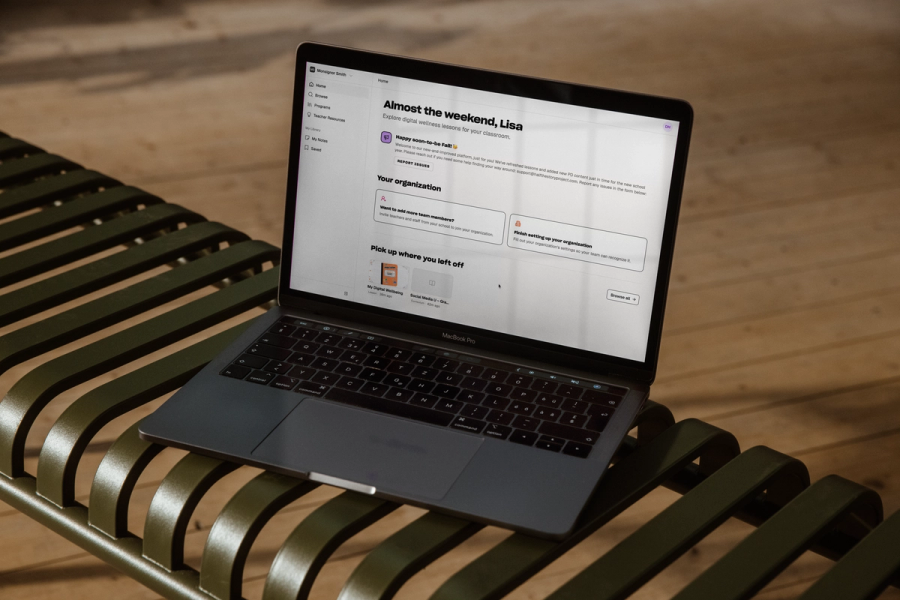
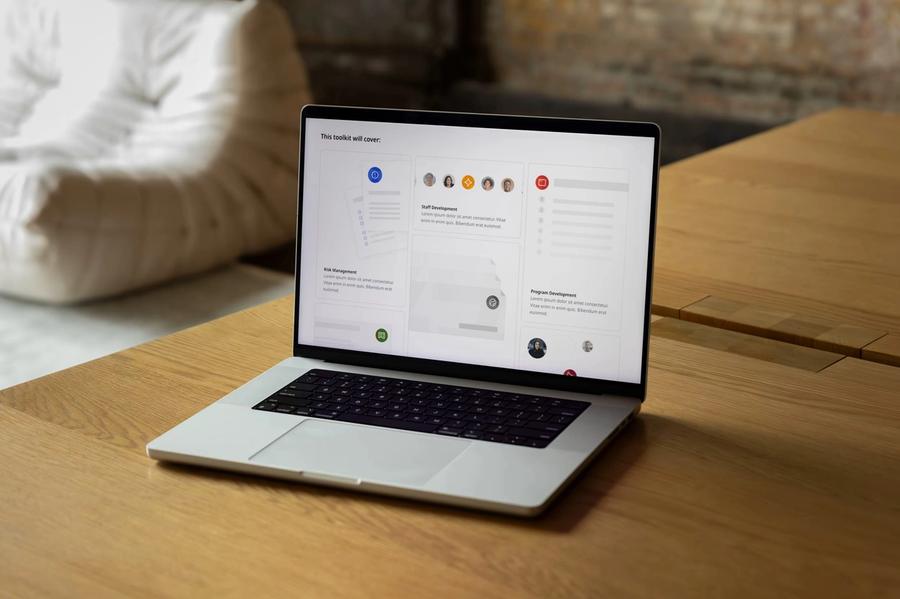
We design dashboards, admin screens and web applications around the tasks people repeat every day, with clear states, plain feedback and as much information on screen as the work needs.
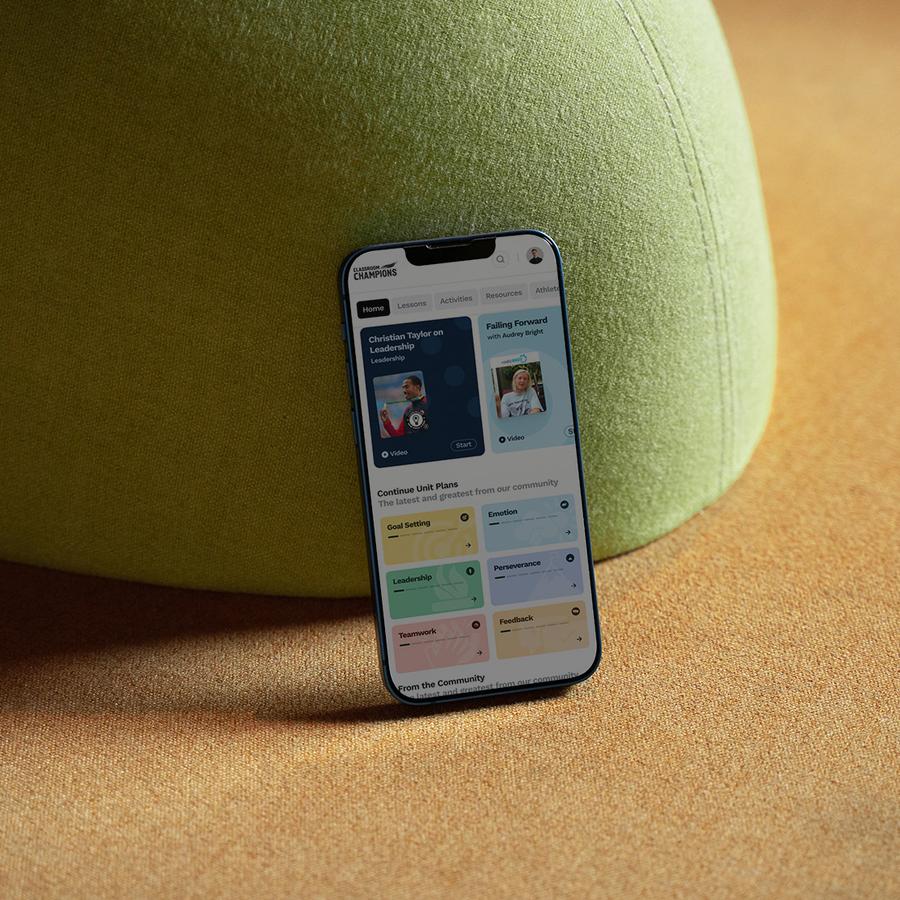
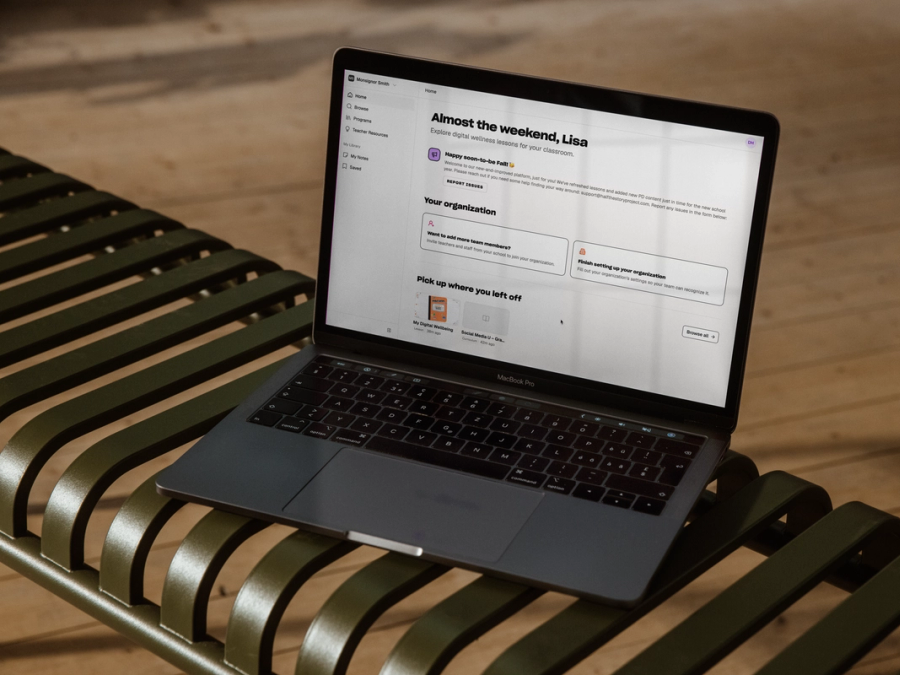
Classroom Champions' teacher dashboard
Classroom Champions had refreshed their brand and launched a new marketing site, and the gap between that and the dashboard teachers used every day became hard to ignore. The dashboard gave teachers their lesson and unit plans, but it was slow, hard to navigate and looked nothing like the organization behind it.
We redesigned it around browsing. Lesson and unit plans sit on cards a teacher can scan at a glance, in the organization's own colours. Progress statistics appear on the dashboard itself, so a teacher can see what a class has finished and what is still ahead without opening each lesson.
Classroom Champions' teacher dashboard
Lesson and unit plans a teacher can scan at a glance, in the organization's own colours.
Tools people use every day
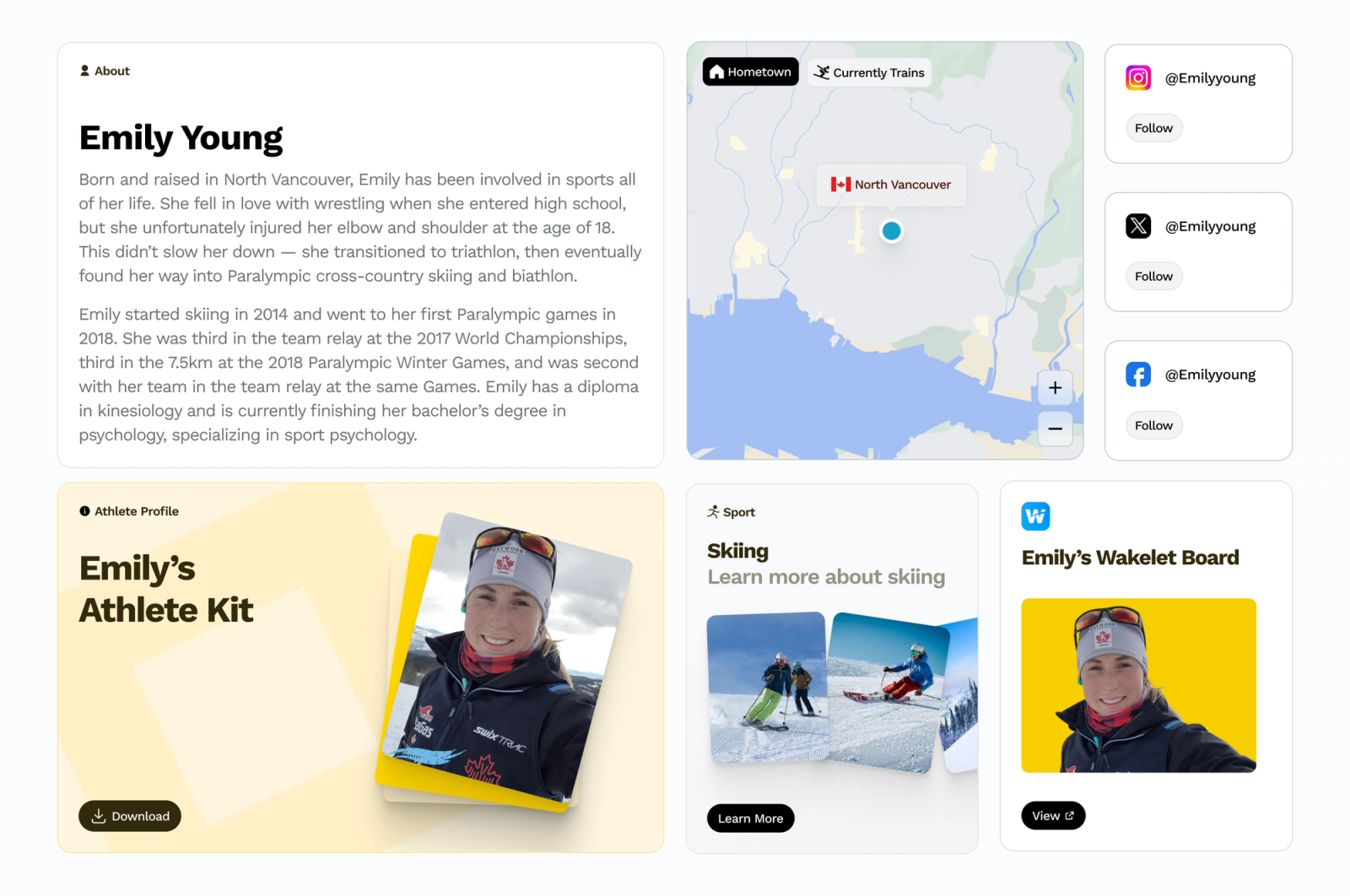
A marketing page is often read once, so it can take its time. A tool gets used every day by people who already know what they want. That usually means more information on screen, clear states, and feedback that says plainly what just happened.
The Calgary Public Art Guide and the University of Calgary's Global Learning Toolkit both hold large libraries. In the art guide, people browse the city's collection by location, filter by artwork type or theme, and put together their own self-guided tours. The toolkit sorts its training modules and curricula into chapters, which the university's team can reorganize as the library grows.
The Calgary Public Art Guide
A city-wide art collection people can browse by location, with artist profiles and self-guided tours anyone can put together.
Empty, error and loading states
We design the empty state, the error state, the loading state and the permission-denied state alongside the main screen. In a tool people use every day, they come up often, and they are easy to leave until the end of a project, when there is little budget left for them.
Selected work
Show more2026
2026
#HalfTheStory Learning Management System
Platforms and applications, Portals and member experiences, Platform architecture, Data modelling, Interface design, Multilingual and multi-region systems, Accessible design, Performance and optimization
Platforms and applications, Portals and member experiences, Platform architecture, Data modelling, Interface design, Multilingual and multi-region systems, Accessible design, Performance and optimization
2025–2026
2025–2026
Alterra Mountain Company Resort map system and summer maps
Interactive maps, Data modelling, Interface design
Interactive maps, Data modelling, Interface design
2025–2026
2025–2026
University of Calgary Alberta Post-Secondary Global Learning Toolkit
Platforms and applications, Portals and member experiences, Content management systems, Interface design, Visual identity, Brand implementation

Platforms and applications, Portals and member experiences, Content management systems, Interface design, Visual identity, Brand implementation
2025
2025
Calgary Arts Development Calgary Public Art Guide
Interactive maps, Platforms and applications, Interface design, Content modelling, Content management systems, Performance and optimization
Interactive maps, Platforms and applications, Interface design, Content modelling, Content management systems, Performance and optimization
2024–2025
2024–2025
Alterra Mountain Company Resort base map styling
Interactive maps, Interface design
Interactive maps, Interface design
Tools we reach for
- Figma