A signature tool for Vibrant Communities Calgary
Email signatures at Vibrant Communities Calgary had drifted away from the standard, so we built them a custom tool for creating branded email signatures directly on their website.
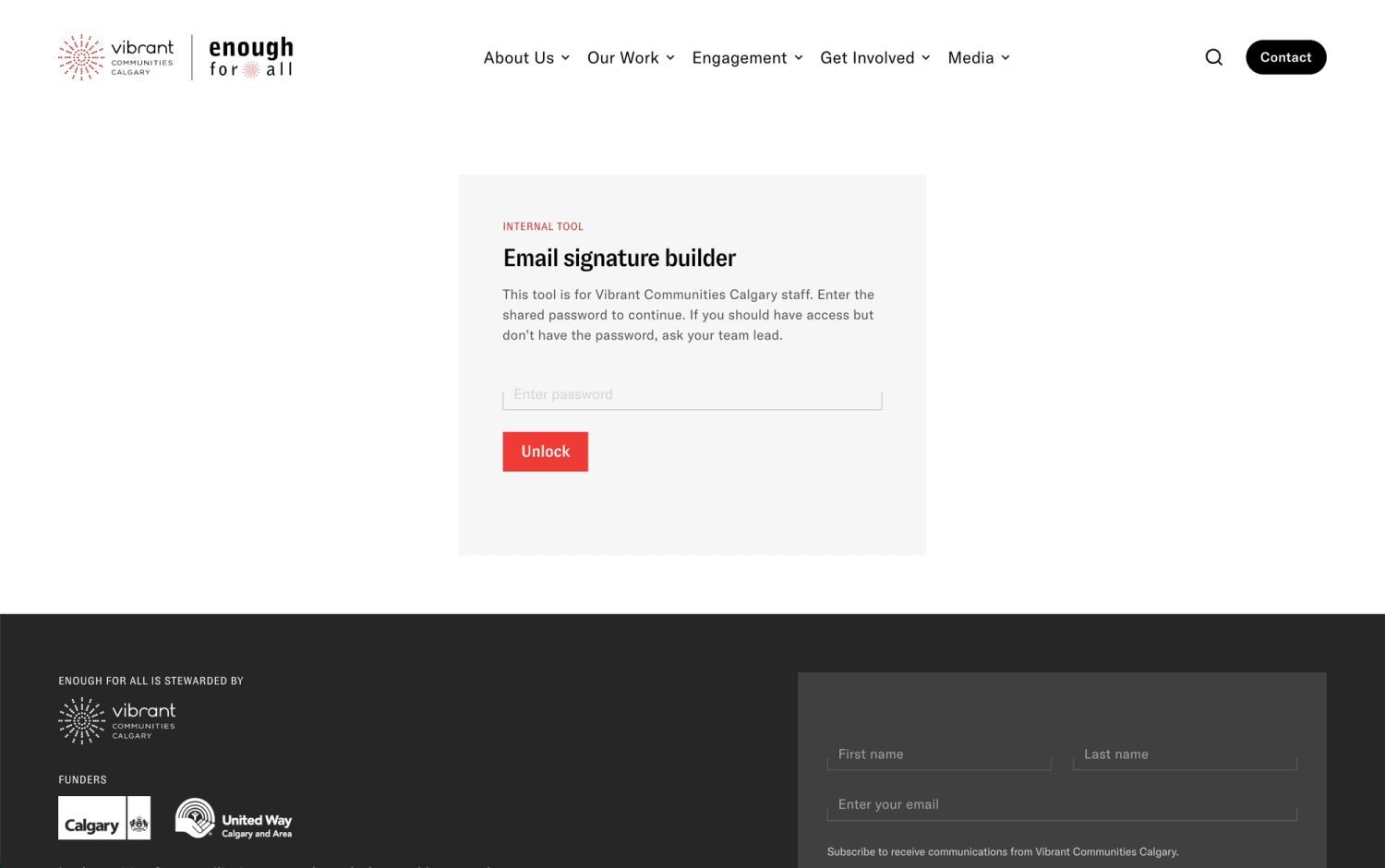
We just launched a small tool for Vibrant Communities Calgary that allows them to make professionally branded email signatures right on their website, and it’s one of our favourite things that we’ve shipped all year. Niche tools like this that do a single job really well and don’t have ongoing costs can be a very satisfying thing to build, and can save a lot of administrative hours.
When the project kicked off, signatures across their team had drifted away from the standard, so emails coming through from their organization looked inconsistent. The team at VCC didn’t want IT to have to manage everyone’s signatures centrally, and they wanted staff to be able to swap in seasonal initiative banners without a lot of technical know-how.
The signature also needed to make legible at a glance that Vibrant Communities Calgary stewards the Enough for All Strategy. With two wordmarks, a land acknowledgement and a rotating campaign banner, we needed to fit a lot into a few hundred pixels, so our team rose to the challenge and created a great layout.
We had to experiment a bit to get this right, because email editor standards can be a bit finicky. At the start of the project, we thought that we might create a simple Word template for their team to use, but Word online, the desktop app and Outlook's signature editor each mangled the signature in their own unique way. We also looked into dedicated software for it, and found that there's a whole category of software for managing email signatures. Vibrant Communities Calgary needed something simple, and buying software like this would have meant another subscription and another piece of software to train on and manage.
So instead, we created a small purpose-built tool with live preview and a simple copy button, built directly into their site, gated behind a password. No outside software needed, just log into the creation page, make the email signature and copy it.
Underneath, the tool writes old-fashioned HTML with nested tables and inline styles without classes or web fonts. This old-fashioned styling helps the signature look the same in Gmail, desktop Outlook and Outlook on a phone.
The tool launched on July 30. We’re always happy to build something that can help an organization like VCC improve their workflow and save their time for the work that matters most to them.